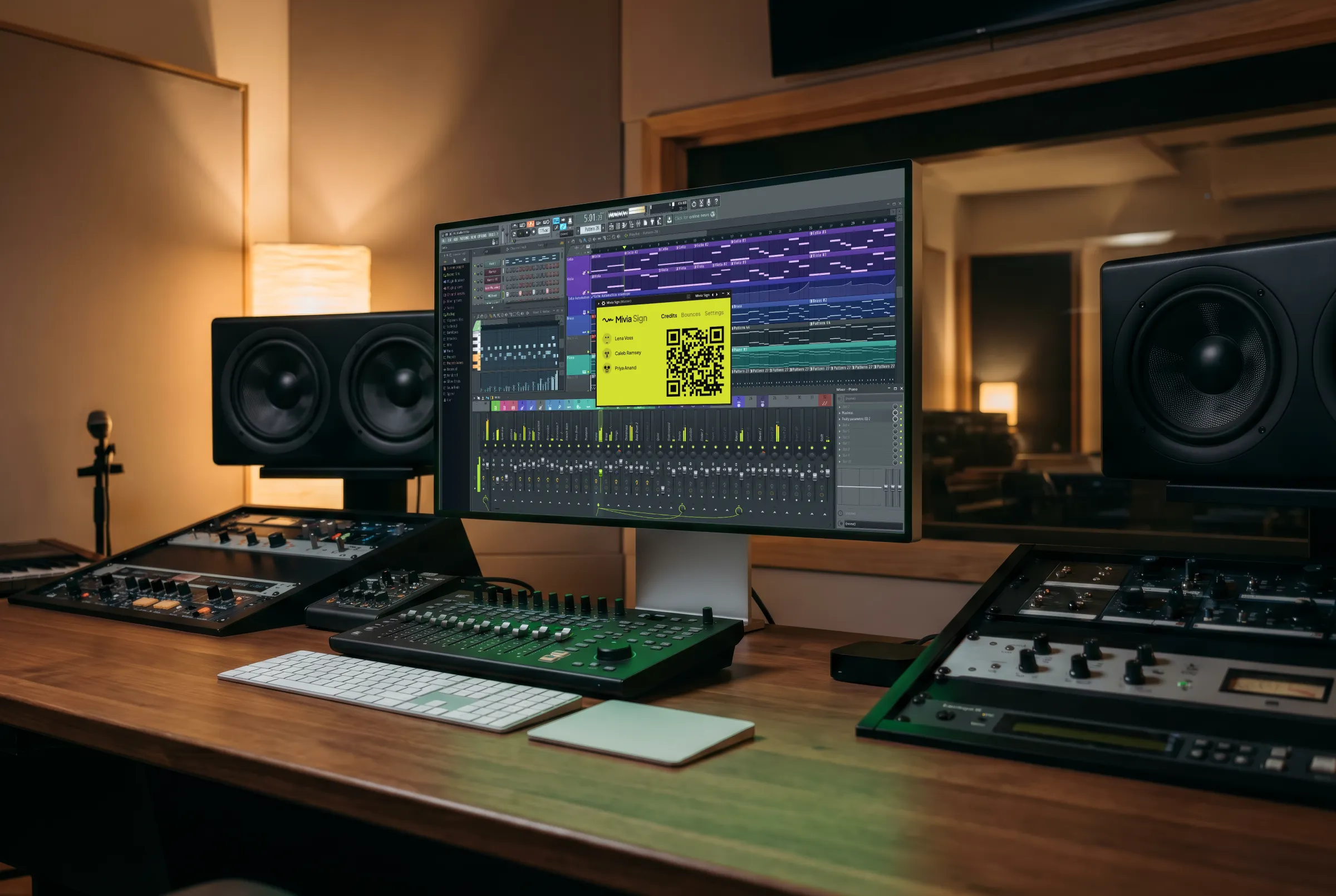
AU · VST3 · CLAP
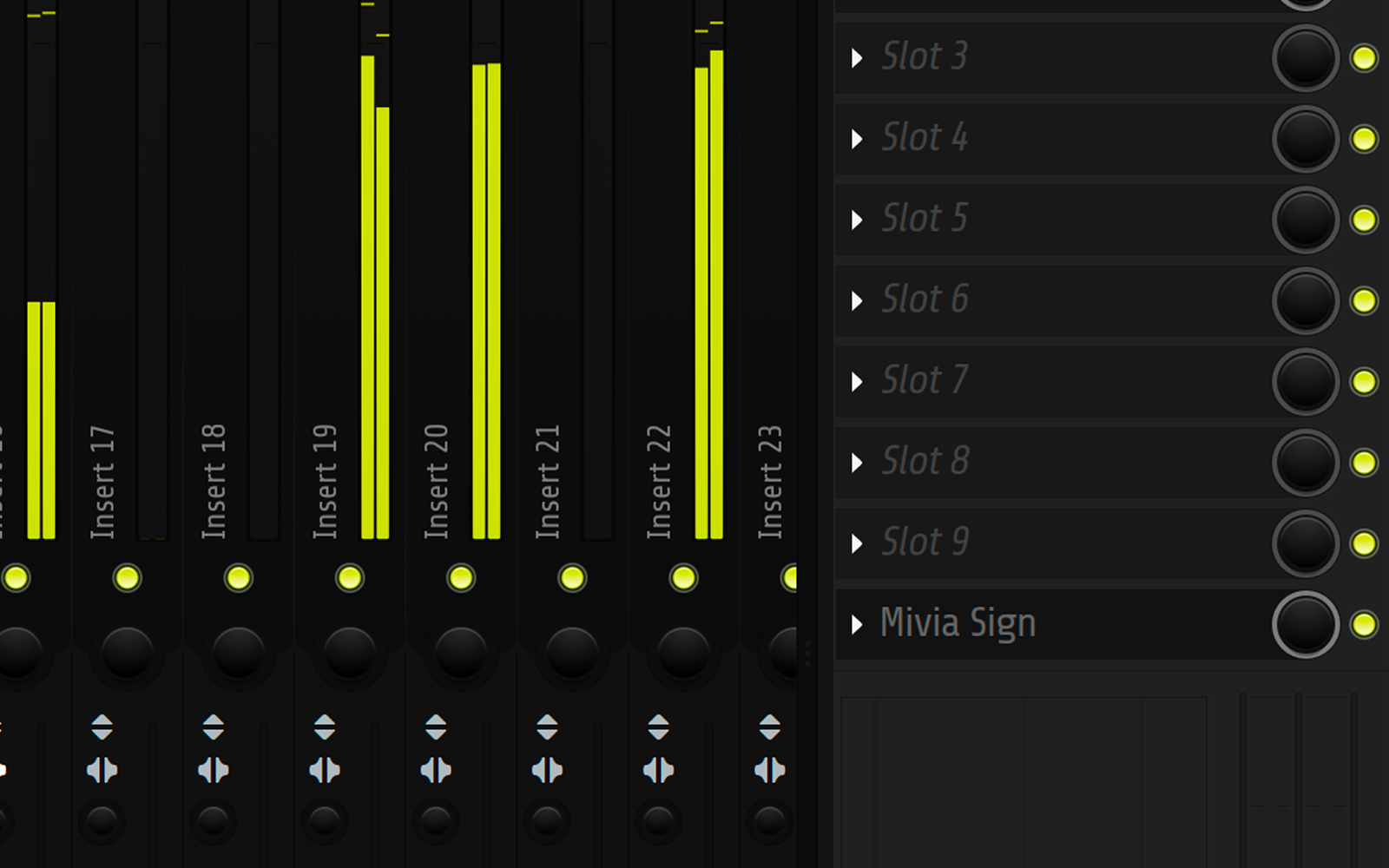
Add Mivia Sign to your master channel. Every bounce comes out fingerprinted, credited, and filed in your Mivia library. All automatically.
macOS 11+ arm64 · Windows 10+ x64 · available to Mivia Pro users
HOW IT WORKS
Drop Mivia Sign on the master bus. Bounce a draft, a stem, a final, an alt — every one gets fingerprinted and lands in your library, with everyone you signed with credited automatically.
FINGERPRINT
The plugin computes an acoustic fingerprint from your bounce and stores it in your library. Your audio file is never modified, never re-encoded, not even stored by us. We only keep the fingerprint itself to read in /scan.
Want the inaudible watermark embedded into the audio? That's /sign.
COLLABORATORS
Anyone in the room can sign on. No emails. No apps. No wait.
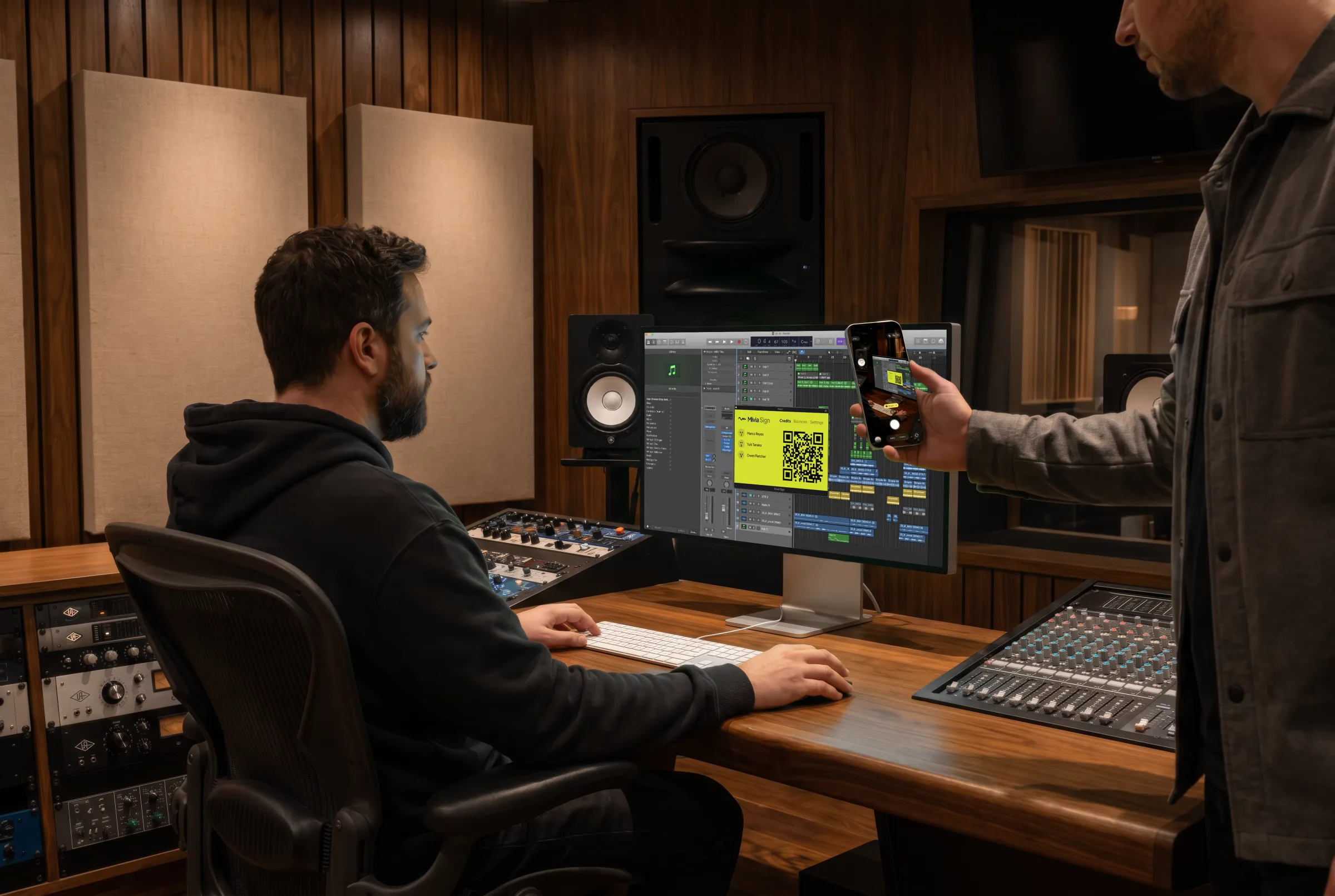
Open the plugin's QR pane. They scan with their phone. They sign in to Mivia. They're on the next bounce.
That's it. The track ends up in everyone's library. Every contributor, automatically credited.
LIBRARY
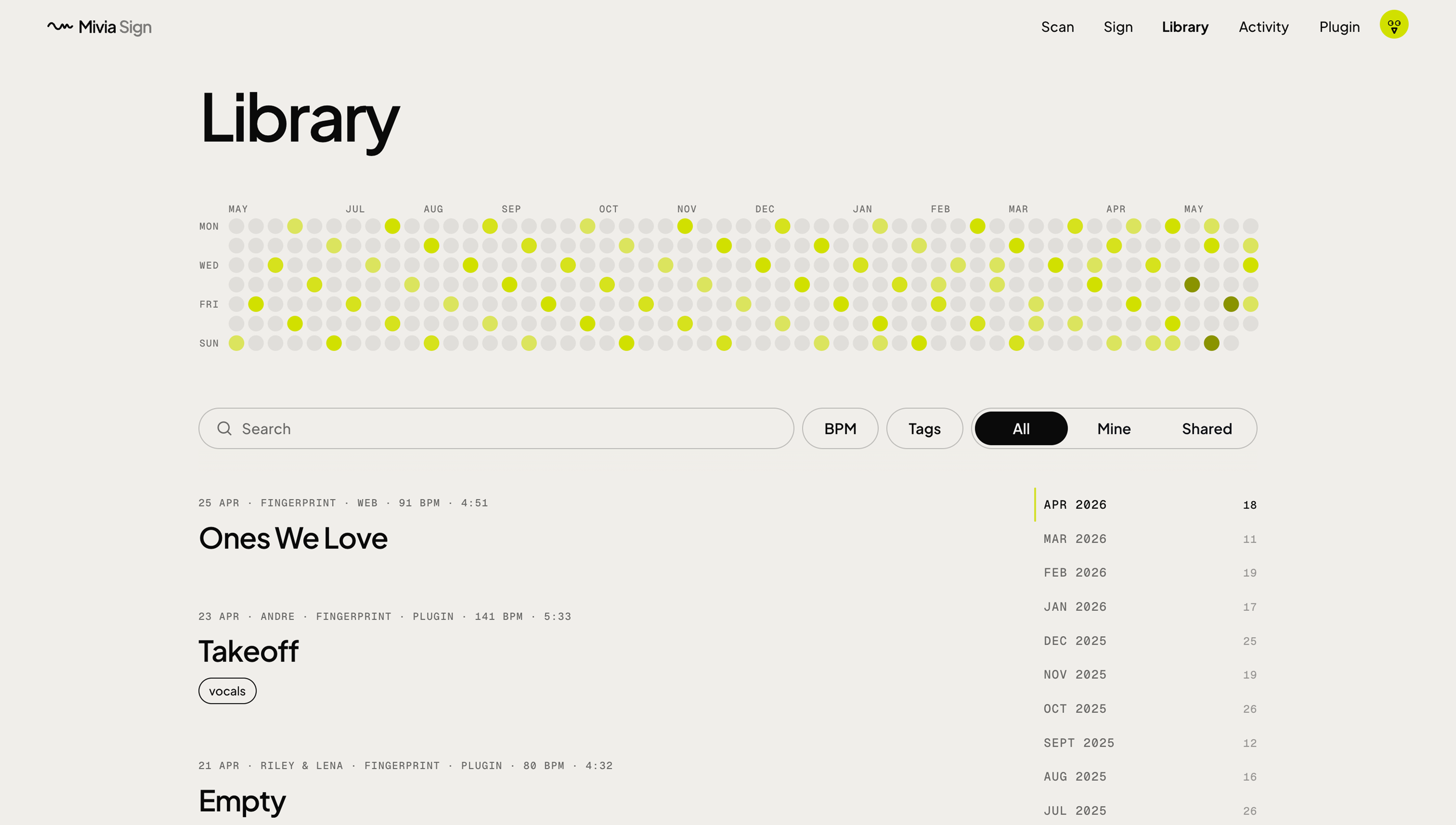
Every bounce ends up in your library. Yours under Mine; your collaborators' under Collaborations. Each one gets a public verify link you can drop in liner notes, send to a label, or use to settle a credit dispute years later.
INSTALL
Two installers. Both ship every plugin format and the Mivia helper binary. Both finish in under a minute.
Ships as a .pkg. Double-click to install; use the Customise panel to untick plugin formats you don't need. The Mivia helper installs by default and handles bounce-filename capture via Accessibility permissions — if you skip it, bounces still sign, they just appear as "Untitled bounce" in your library. v1 is unsigned — Gatekeeper will warn "unknown developer"; right-click the .pkg and choose Open to approve (one-time prompt).
Ships as an MSI. Double-click to install; use the
feature-selection dialog to untick plugin formats you
don't need. The Mivia helper installs by default as a
per-user Scheduled Task at logon and captures bounce
filenames via UIA + FSEvents — if you skip it, bounces
still sign, they just appear as "Untitled bounce".
Installs VST3 to
%COMMONPROGRAMFILES%\VST3 and CLAP to
%COMMONPROGRAMFILES%\CLAP. Restart your
DAW after install. v1 is unsigned — SmartScreen will
warn "unknown publisher"; click More info → Run anyway.
FAQ
The things a producer asks before trusting any plugin with their master bus.
No. setLatencySamples(0) is hard-coded and
the audio path is a true passthrough. Fingerprinting
runs on a side chain, never in the mix signal. Your
offline bounces are bit-identical to bounces without
the plugin.
No. The plugin is fingerprint-only — it uploads your bounce so the server can compute a Chromaprint acoustic fingerprint, then stores that fingerprint plus your session metadata against your account. No watermark is embedded, no file is written back to disk, your original bounce stays bit-identical to one made without the plugin. The watermark-embedding path is the web signer.
The bounce completes, audio passes through unsigned, you see an error chip on the plugin. Nothing is queued for later upload. Your next bounce tries again from scratch.
The rendered audio is posted to our signer endpoint for the duration of signing, plus the metadata listed in "What's captured". The audio is not persisted server-side after the signed WAV streams back. Nothing else leaves your session.
Yes. Each install gets its own PKCE token tied to a device name you pick. You can revoke a single install from /account without affecting the others.
Yes, and those four DAWs plus Reaper are covered by our automated render harness — meaning every plugin build is bounce-tested in the real host before shipping. Cubase, Bitwig, and Pro Tools are supported but covered by manual testing.
The plugin signs every bounce inside your DAW, automatically, with metadata the web flow can't see (host, BPM, render mode). The web uploader is a drag-and-drop for files you already have — use it for one-offs, files from other producers, and per-recipient share lists the plugin doesn't cover.
Free to install. Pro at $10/mo unlocks signing. Your audio passes through unchanged either way.
Already have Pro? Open your library